Key takeaways
- Structure your gallery with the 1-4-2 formula: one clean hero, four detail/angle/scale shots, two lifestyle images. Clean wins the click; lifestyle wins the sale.
- Your images must be yours: shot by you or generated in the AI Studio. Listing our catalog photos as-is isn’t approved, and it’s also how a shop disappears into every other shop selling the same design.
- For jewelry, on-model shots are not optional decoration. They are how buyers judge scale, drape and shine, the three things a flat photo cannot answer.
- For a personalized piece, show two or three different name examples. Buyers need to picture their own name, not fall in love with “Emma.”
- Use every slot Etsy gives you (ten photos, with twenty rolling out to some shops, plus a 5–15 second video). Sellers who fill the gallery with intent consistently outperform the one-photo listers.
Your images are yours: that’s the rule, and the edge
One thing before anything else: the catalog photos you see in this dashboard are your blueprint, not your listing. Listing our catalog shots as-is isn’t approved for Jeweliful retailers. Your shop’s images must be your own, either photographed by you or generated in the AI Studio from the design you’re selling.
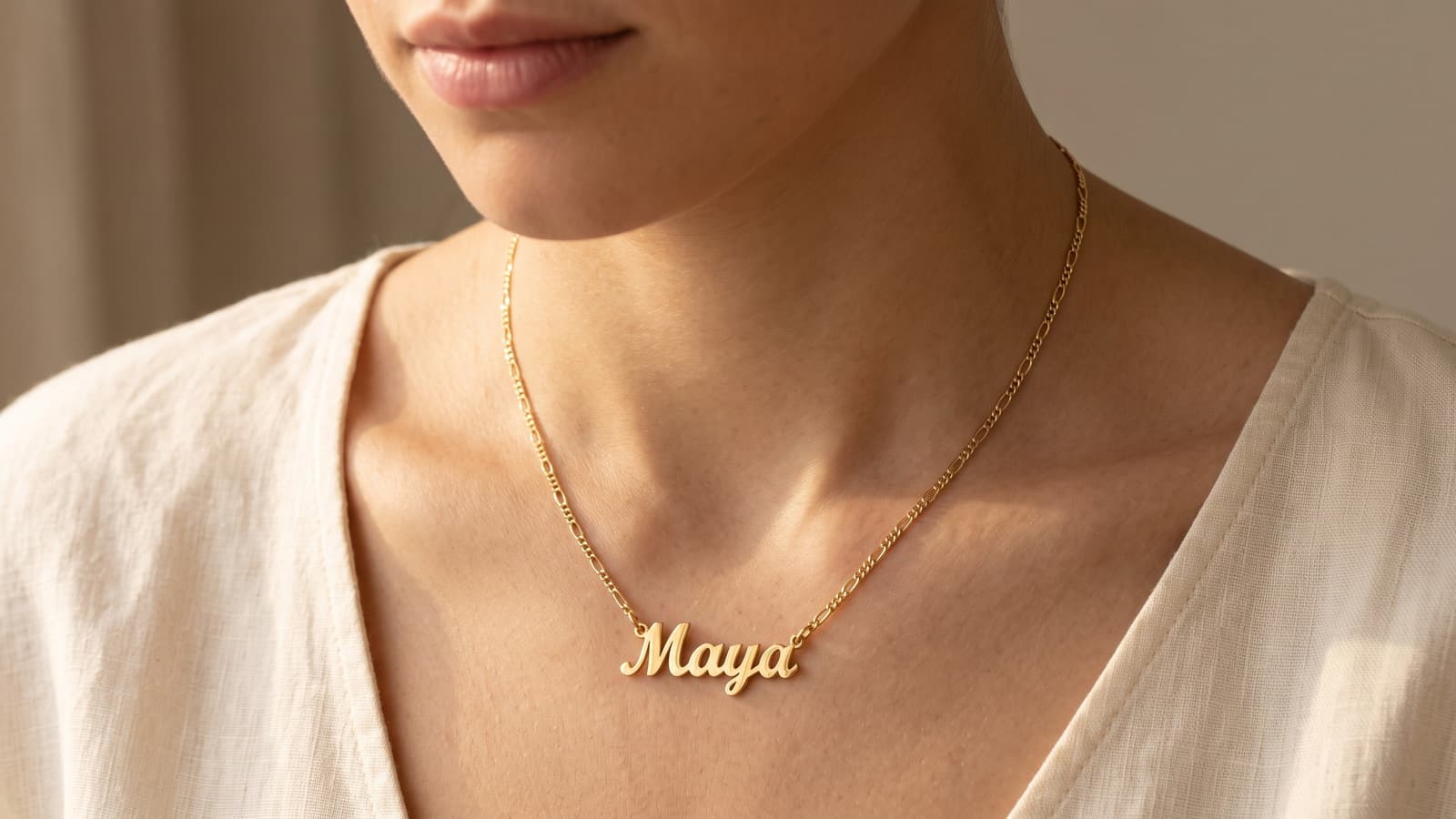
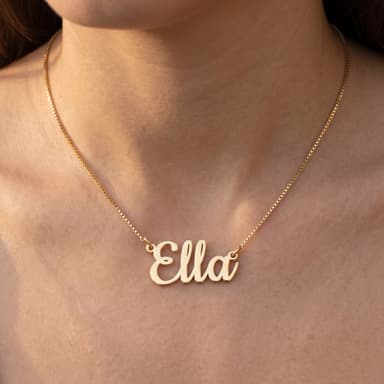
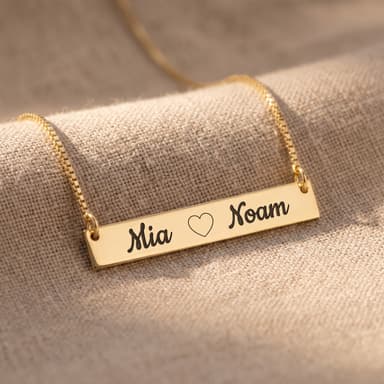
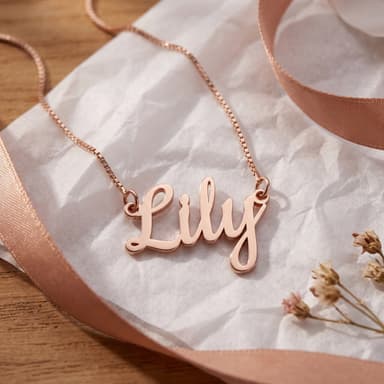
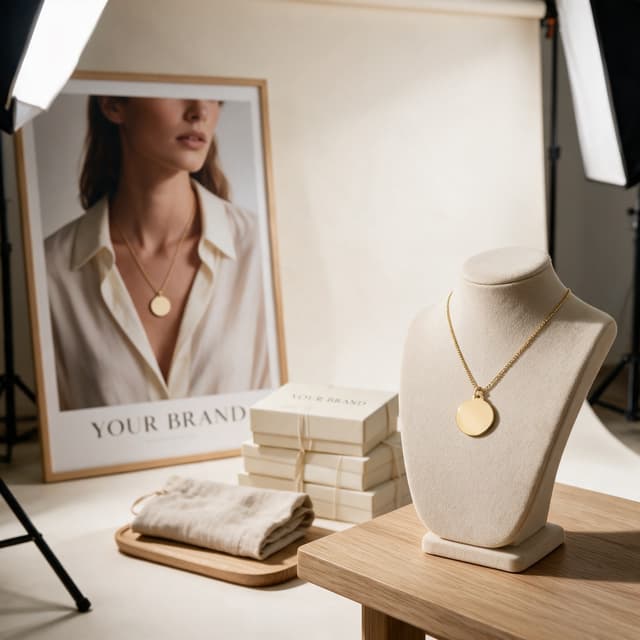
That rule is not bureaucracy. It is the entire game. Dozens of shops can sell the same design. If they all posted the same picture, buyers would see one commodity in ten storefronts and pick on price alone. Your images are the one part of the listing nobody can copy from you: your light, your model, your styling, your buyer’s world. This guide is about building that gallery: which images to make, in what order, and why each one exists. None of it requires a studio. Most of it requires a window, a model who owes you a favor, and an hour, or a few minutes of generating.
The 1-4-2 formula
A useful way to think about a listing gallery (popularized in product-photography circles as the “1-4-2 rule”) is three layers, each doing a different job:
- 1 clean hero. This is the image that appears in search results, ads and marketplace thumbnails. Its job is clarity at small sizes: the buyer must instantly see what the product is. A clean, uncluttered background (shot by you or generated in the AI Studio, never the catalog file itself) also keeps you compliant on ad channels that effectively require it.
- 4 detail, angle and scale shots. These answer the questions a buyer would ask in a store: How big is it? What does the back look like? How fine is the engraving? What is the clasp like? Every unanswered question is a reason to hesitate.
- 2 lifestyle images. On a neck, at a dinner table, being unwrapped. These do the emotional work: they let the buyer picture the moment they are actually purchasing, which for personalized jewelry is almost always a gift or a milestone.
The short version: white wins the click, lifestyle wins the sale. The hero gets them into the listing; the rest of the stack keeps them there and closes. Neither layer can do the other layer’s job, which is why galleries that are all-studio feel sterile and galleries that are all-lifestyle feel vague.
Why on-model shots do the heavy lifting
For most product categories, on-model photography is a nice-to-have. For jewelry it is structural, for three reasons:
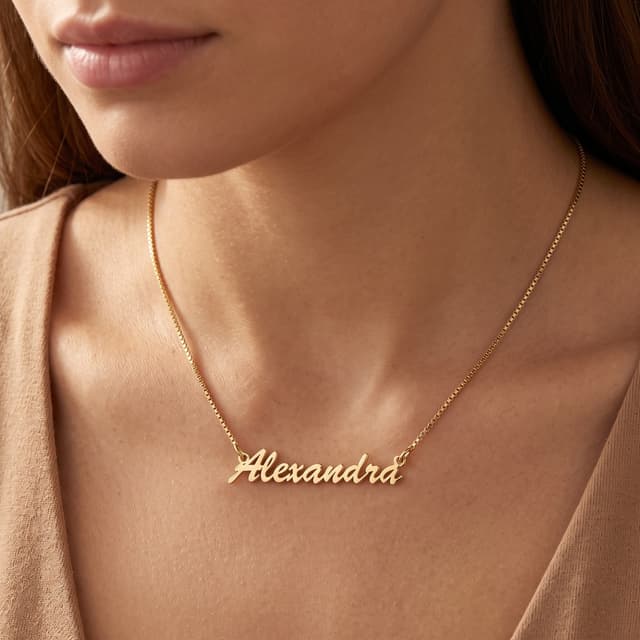
Scale. The single biggest anxiety in online jewelry buying is size. A pendant photographed alone could be a coin or a dinner plate. A name necklace on an actual collarbone answers the question in half a second. Back it up with a hand-comparison shot or a chain-length graphic and the question never gets asked at all.
Drape. Chains hang. Nameplates sit at an angle. A flat-lay cannot show how a piece moves and settles on a body, and that movement is a large part of what the buyer is imagining.
Shine. Metal reads differently against skin than against white paper. Warm skin tones make gold look like gold; against pure white it can photograph flat or brassy.
The published numbers here are mostly vendor numbers, so treat them as directional: one photography vendor’s own case study reported a roughly 32% relative conversion lift for a jewelry brand after reaching full on-model coverage across its catalog. We can’t independently verify that figure, but the direction matches what we see across our own retailers: the shops whose galleries include on-model and scale shots consistently outsell the shops that stop at one product shot, on identical designs.
The ten-slot gallery for a personalized piece
Etsy gives you ten photo slots plus one short video (5–15 seconds), and has been rolling out up to twenty slots for some shops. Whatever your platform allows, here is a sequence that works for a personalized piece. It is a script, not a suggestion: each slot answers the next question in the buyer’s head.
- Clean heroYour own shot or an AI Studio render of the design: sharp, centered, filling most of the frame, legible at thumbnail size. Use the catalog photo as your reference for accuracy (metal color, chain, proportions), not as the file you upload. This is the click-winner, so do not get clever here.
- On-model scale shotThe piece on a neck or wrist, shot straight-on. This is the first thing buyers swipe to, because size is their first question. Note the chain length in the caption area of your description.
- Engraving close-upA macro of the personalization itself: the cut edges of a nameplate, the depth of an engraving. This is your proof of quality, and it must be sharp enough to read.
- Second angle or construction detailSide profile, the back, the clasp, the jump ring. Shows the piece is a real object with real construction, not a render.
- Font chartIf the design offers font choices, show them all on one clean graphic, each labeled. This one image eliminates the single most common pre-purchase message you will get.
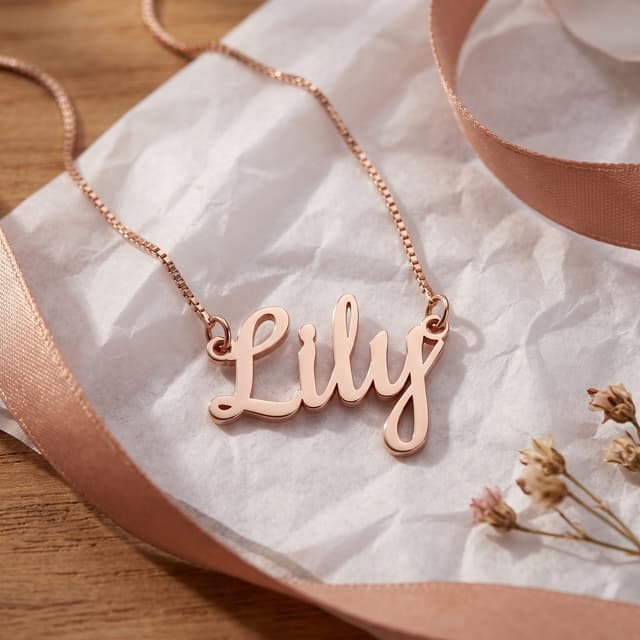
- Name example #2The same design with a different name, a different length, ideally a different style. More on why this matters below.
- Name example #3 or a variantA third name, or the design in another metal color or with a birthstone option. You are demonstrating range: whatever the buyer types in, it will look this good.
- PackagingMost personalized jewelry is bought as a gift. Show what arrives: the box, the pouch, the card. Buyers are judging the unboxing moment on behalf of someone they love.
- Lifestyle / gift contextThe desire shot: worn at a real moment, or being given. Warm light, a human being, a scene the buyer can project themselves into.
- Size guide graphicA simple diagram: chain lengths on a figure, pendant dimensions in inches and millimeters. Boring, unglamorous, and quietly responsible for fewer returns and fewer “how big is it?” messages.
Make the personalization believable
Here is the quirk of selling personalized pieces: the buyer is not buying the necklace in your photo. They are buying an imagined necklace with their name on it, and your gallery’s real job is to make that act of imagination easy and low-risk.
One name example forces the buyer to do the imagining alone: “sure, Emma looks great, but my daughter is Alexandra-Rose.” Two or three examples with different lengths and letterforms let the buyer triangulate: they see how the design handles a short name and a long one, ascenders and descenders, and they stop worrying. In our experience this is also the cheapest support-ticket reducer there is. A large share of pre-purchase questions are really the same question in disguise: will it look right with my name?
You do not need to order three physical samples. Photograph the sample you have, and for the others, a careful mockup over the base photo is standard practice. Just keep the font, spacing and finish honest to what we actually produce, because the buyer will compare the mockup to what arrives.
Match the style to where you sell
The same product wants different clothes in different rooms. On Etsy, buyers respond to warm, authentic, slightly handmade-feeling imagery: window light, linen, real hands. On a minimal own-brand Shopify store, that same warmth can read as amateur; there, cooler light, negative space and restrained styling signal “brand.” Neither is more correct. What matters is that you pick one and hold it.
Consistency across your catalog is what turns a pile of listings into a shop. Same background tones, same light direction, same crop logic, same model styling. When a buyer lands on your page from one listing and scrolls your other designs, a consistent look says “curated collection”; a jumble of styles says “reseller.” Since other retailers can carry the very same designs, your consistent visual language (your light, your styling, your lifestyle look) is what makes your shop yours instead of interchangeable with the next one.
Video: five seconds of sparkle
Jewelry has one property no photo can capture: it moves and it catches light. A listing video does not need a script, a voiceover or an edit. Three ingredients, a few seconds each:
- Sparkle: the piece slowly turning in good light, close enough to see the surface come alive.
- On-body scale: a model turning slightly or lifting the pendant, so drape and size register in motion.
- The engraving: a slow push-in on the personalization, sharp and readable.
Shoot it on a phone, in the same session as your photos. Etsy caps listing videos at fifteen seconds, which is a feature, not a limitation. A few seconds of genuine shine outperforms a minute of anything.
The photo killers
Three mistakes account for most underperforming jewelry galleries, and all three are fixable in an afternoon:
- Shoot near a window with indirect light, or bounce light off white card. Soft light makes metal glow.
- Anchor scale in every gallery: on-body, in-hand, or against a familiar object, plus stated dimensions.
- Check your hero at thumbnail size on your phone before publishing. If the engraving is soup at 200 pixels, recrop tighter.
- Wipe the piece before every shot. Macro lenses find fingerprints you cannot see.
- Use direct flash. It turns polished metal into white glare blobs and kills every surface detail you are trying to sell.
- Photograph a pendant floating alone with no size reference: the buyer either imagines it wrong and returns it, or can’t decide and leaves.
- Let the personalization be illegible in the first image. If “custom name” is the selling point, the name must read.
- Mix five visual styles across ten slots. Variety of content, consistency of look.
Testing your thumbnail without wrecking momentum
Your first image is the highest-leverage pixel real estate you own, so it is tempting to keep swapping it. Be careful: on marketplaces, a listing’s sales history and engagement feed its search placement, and a thumbnail change alters the click behavior that history is built on.
A sane testing routine: change one thing at a time (crop, angle, background tone, not all three), give the change two to four weeks or a meaningful number of views before judging, and record before/after views, favorites and conversion so you are deciding on numbers, not vibes. If your platform offers a real A/B tool, use it; if not, sequential testing with notes is a perfectly good poor-man’s version. And when a change clearly loses, change it back. No sunk-cost heroics.
FAQ
Can I just use the catalog photos as-is?
No. Listing our catalog photos as-is isn’t approved for Jeweliful retailers, and it wouldn’t serve you even if it were: identical images across every shop carrying a design means zero differentiation and a “reseller” look that buyers (and marketplaces) pick up on instantly. Use the catalog photo to check accuracy (metal, chain, proportions) and produce your own version: your photo, or an AI Studio render. A first listing image takes minutes, not a studio day.
Do I need to buy a sample of every design I list?
No. At 850+ designs that math never works. Order samples of your hero products, shoot them thoroughly in one session, and let those on-model and lifestyle shots set the style for your shop. For the long tail, AI Studio renders generated from each design are the scalable route, as long as they stay honest to the real product.
What equipment do I actually need?
A recent phone, a window, white foam board or card for bounce, and a few dollars of styling props (linen, a ceramic dish, a jewelry bust). A tripod helps for macro engraving shots. A macro clip-on lens is the one cheap upgrade that visibly pays for itself.
Should the model’s face be in the shot?
Usually not fully. Chin-to-collarbone crops keep attention on the piece, avoid the buyer fixating on the model, and make your shots feel like “anyone”, which is exactly who is buying. Save full faces for lifestyle images where the emotion is the point.
How do I show a name the customer hasn’t chosen yet?
That is what the multiple-name-example slots are for: two or three different names in different lengths, plus the font chart. Together they let the buyer confidently extrapolate to their own name. Avoid promising an exact preview you cannot deliver. Show range, state the fonts, and keep mockups faithful.
Does any of this apply off Etsy?
All of it. The 1-4-2 stack, the scale anxiety, the name examples: those are about how humans buy jewelry online, wherever you sell (Etsy, Shopify or your own storefront). Only the slot count and the compliance details change.
Pick your three best sellers in the catalog. The design pages give you every detail your images need to stay faithful to, and the gallery slots above tell you exactly what to make.