The AI Studio for jewelry
Photos without a photoshoot
Everyone reselling a piece has the same white catalog photo. The AI Studio puts yours in a scene that looks like your brand, or on a model, in minutes.
- Styled scenes and models
- Your pieces, in your finish
- 100 free AI Studio tokens when you sign up
 AI Studio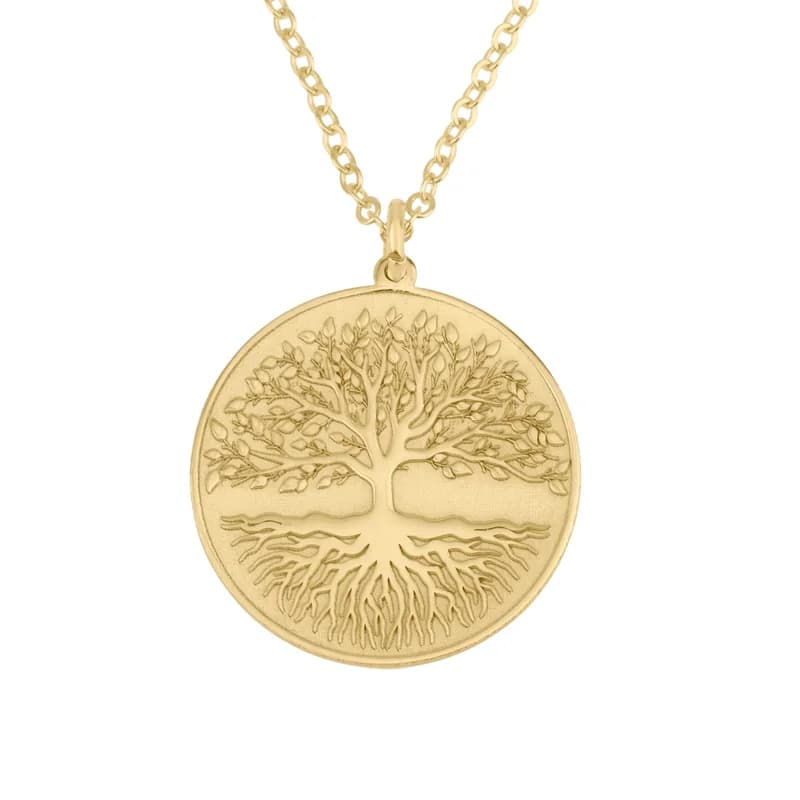
Catalog photo
How a shoot works
Four steps, all in your dashboard.
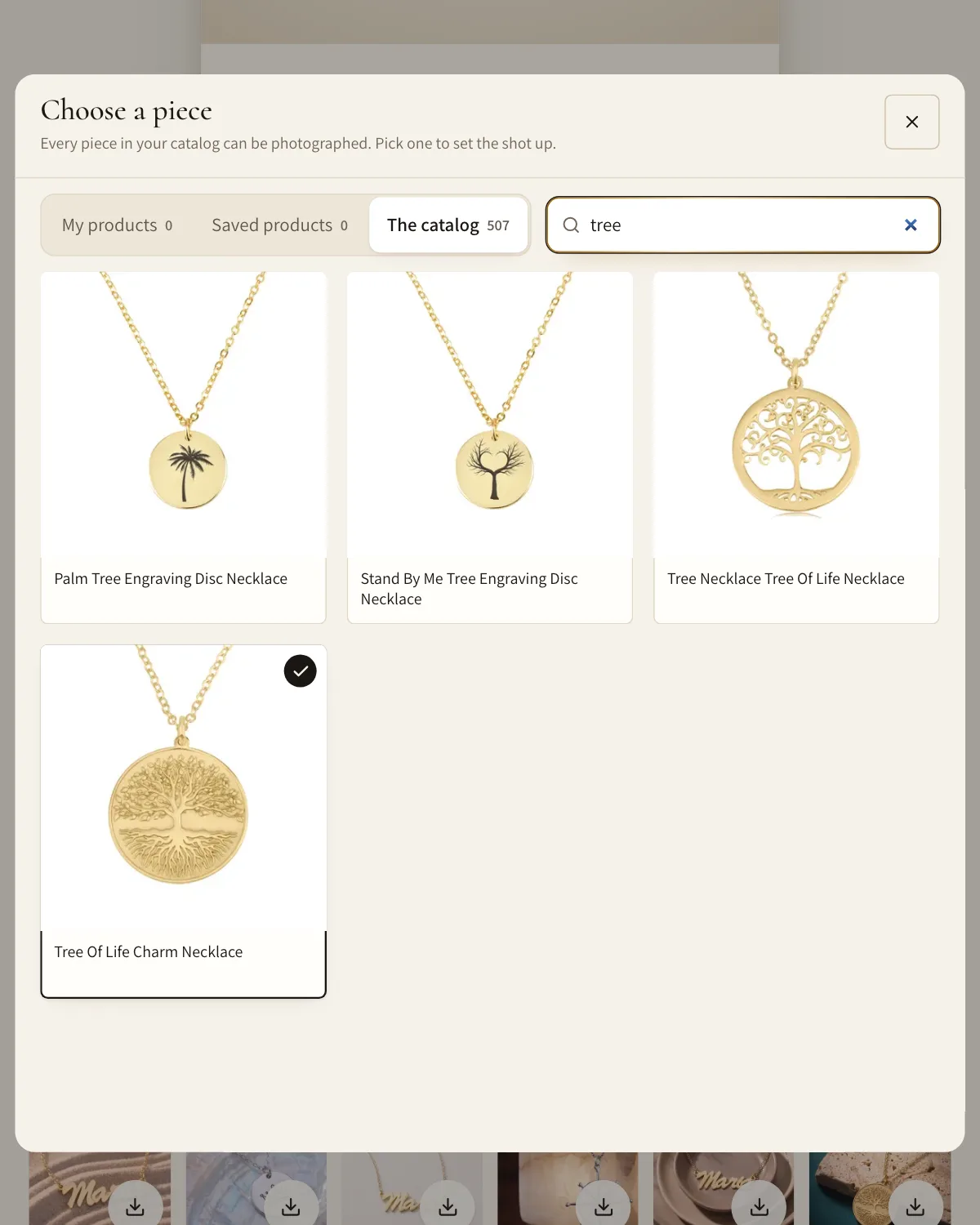
Pick a piece
Any piece in the catalog or in My products, in the finish you sell.
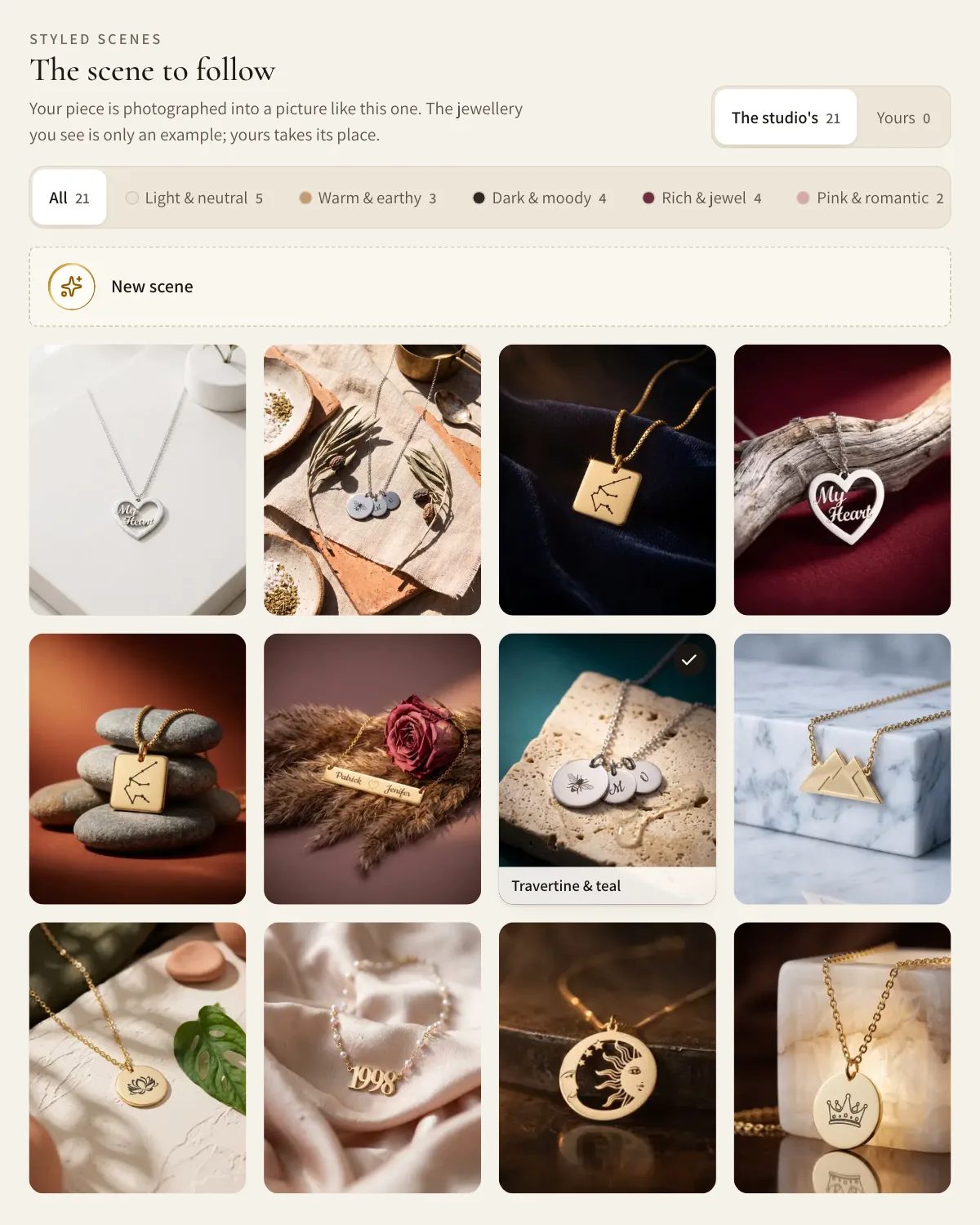
Choose a scene or a model
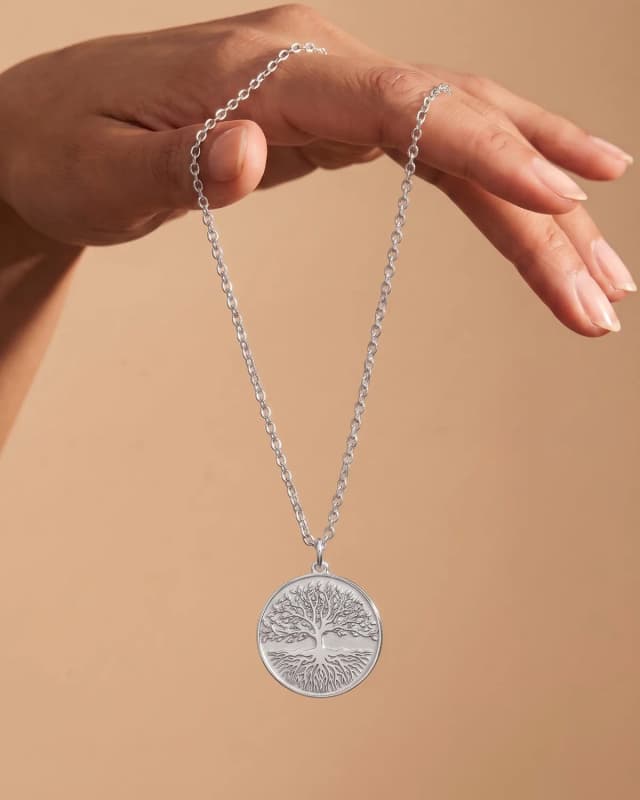
Pick one of the AI Studio's styled scenes, describe your own, or put the piece on a model or in a hand.
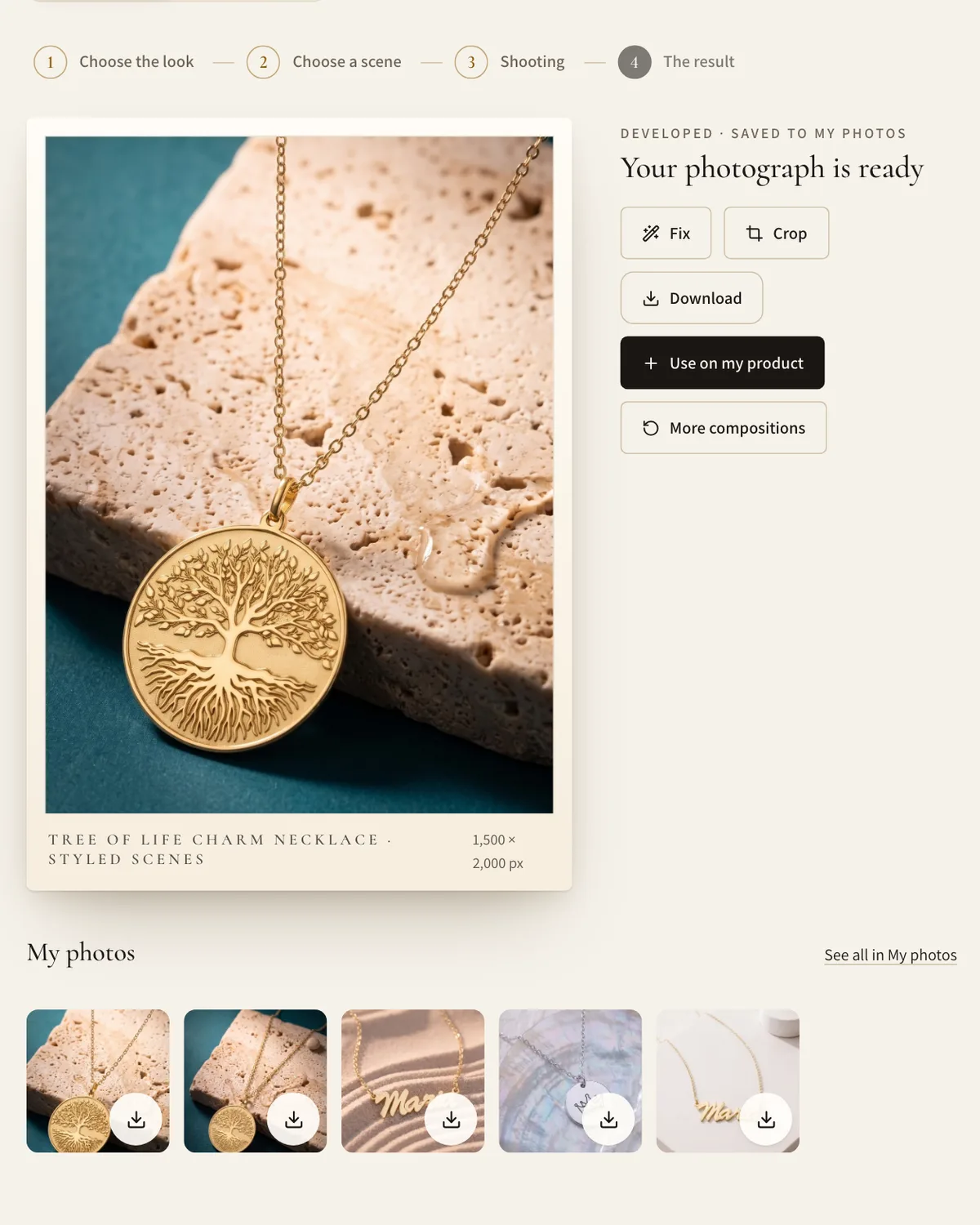
Generate it
The AI Studio makes the photograph in minutes. Ask for a change and it reshoots, keeping the rest.
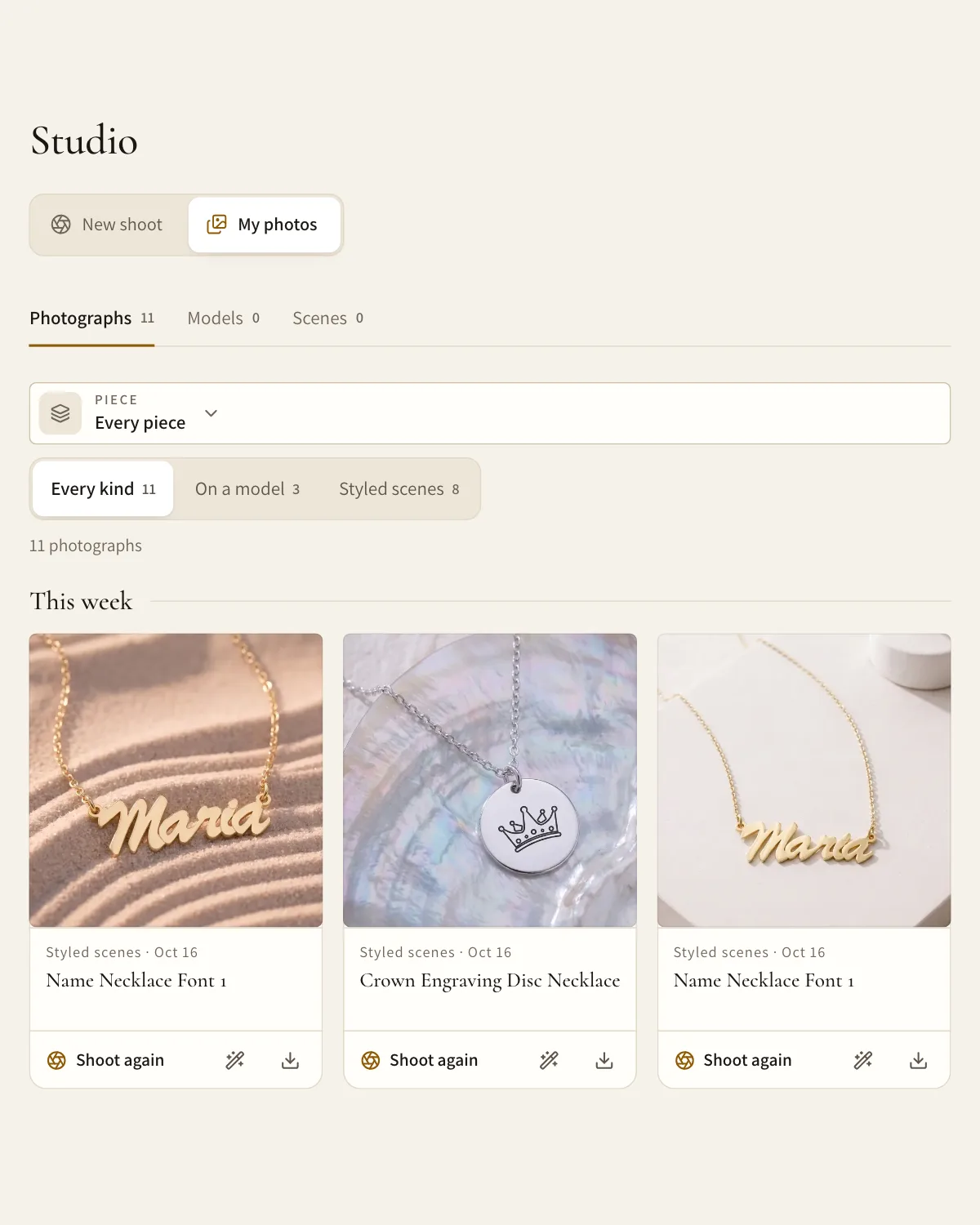
Use it everywhere
Add it to the product. It publishes to Shopify with the piece and downloads in the Etsy Listing Kit.
Scenes that look like your brand
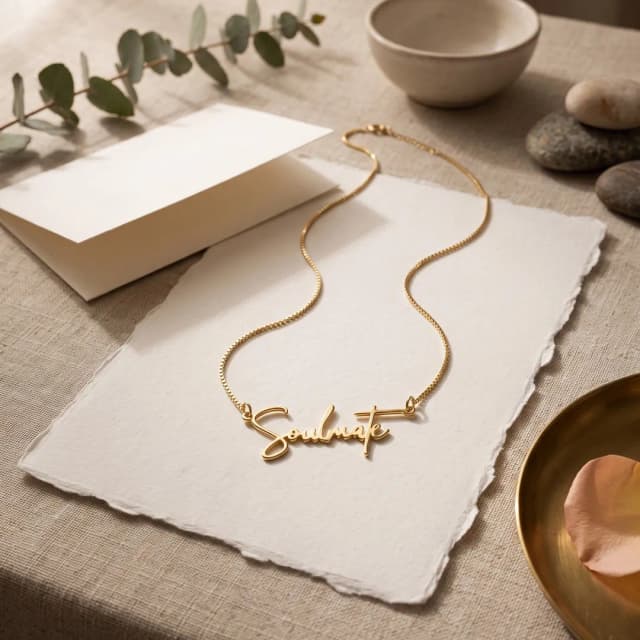
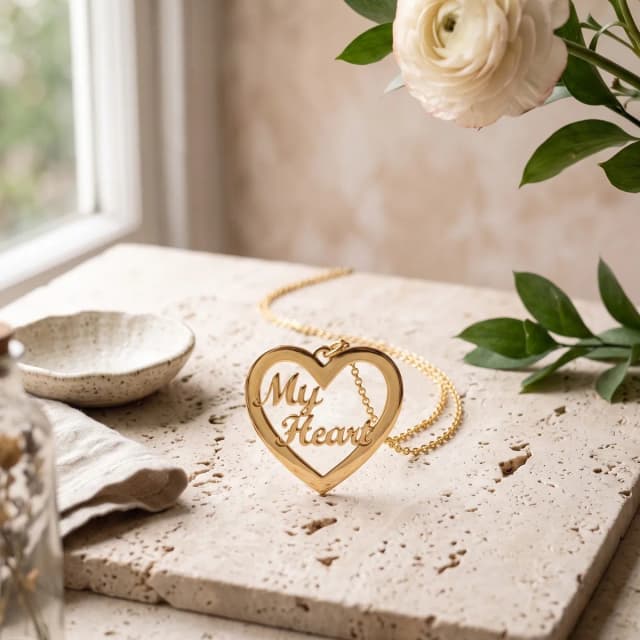
Warm and editorial, clean and bright, soft and romantic. The piece is always the one you sell.
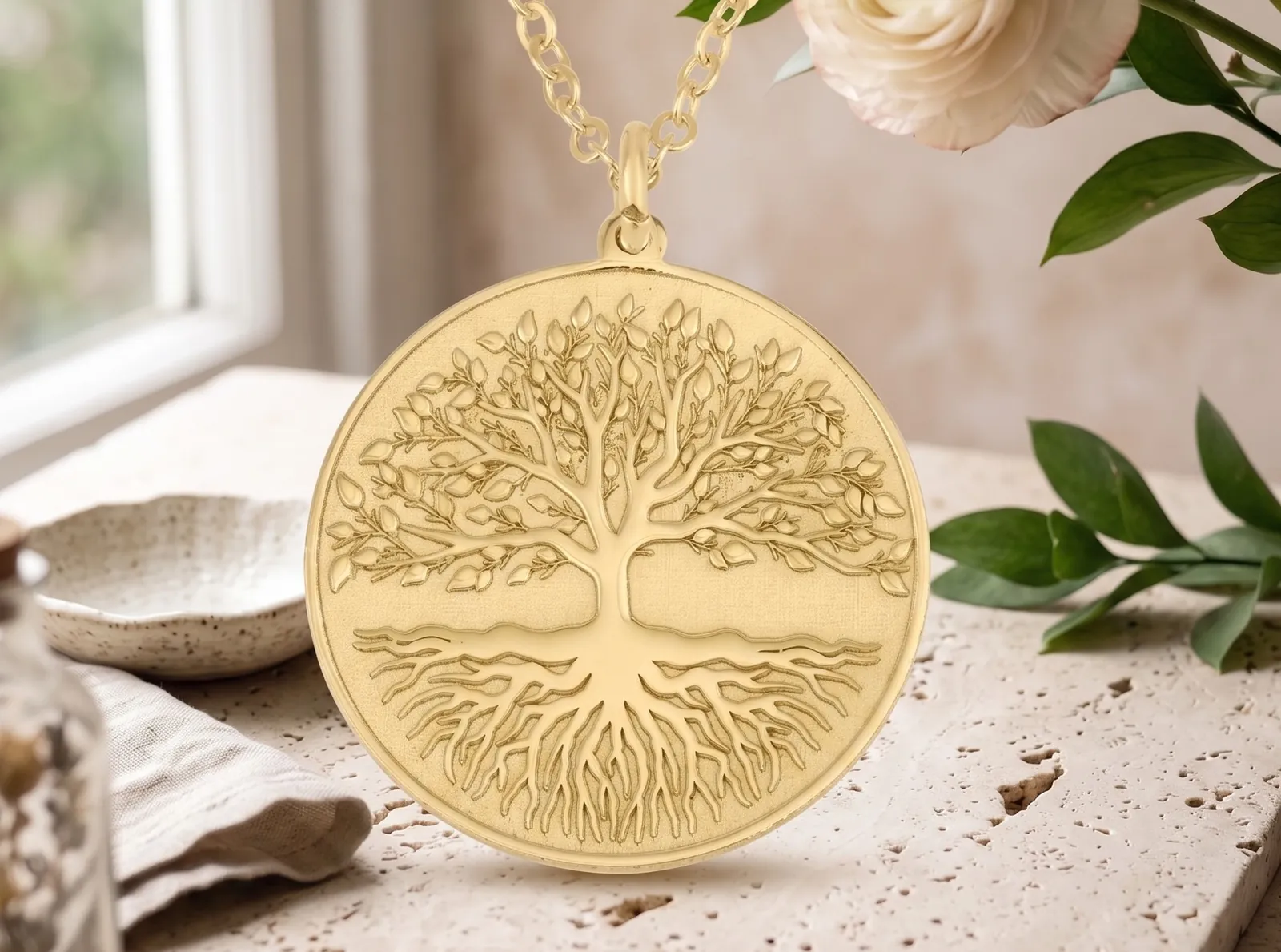
Styled scenes
Presets by palette, a scene you describe, or one you upload.
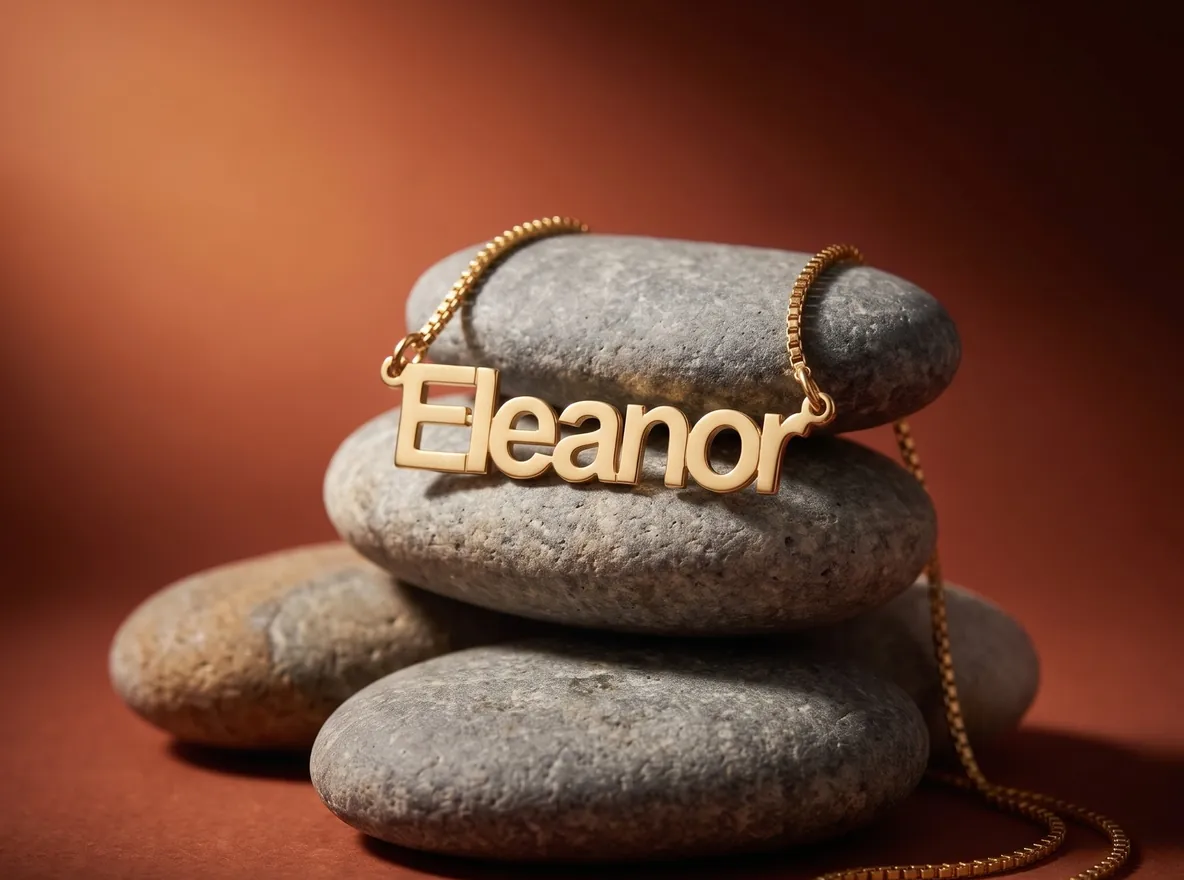
Your look, every time
Save a scene and shoot every piece in it, so your gallery matches.
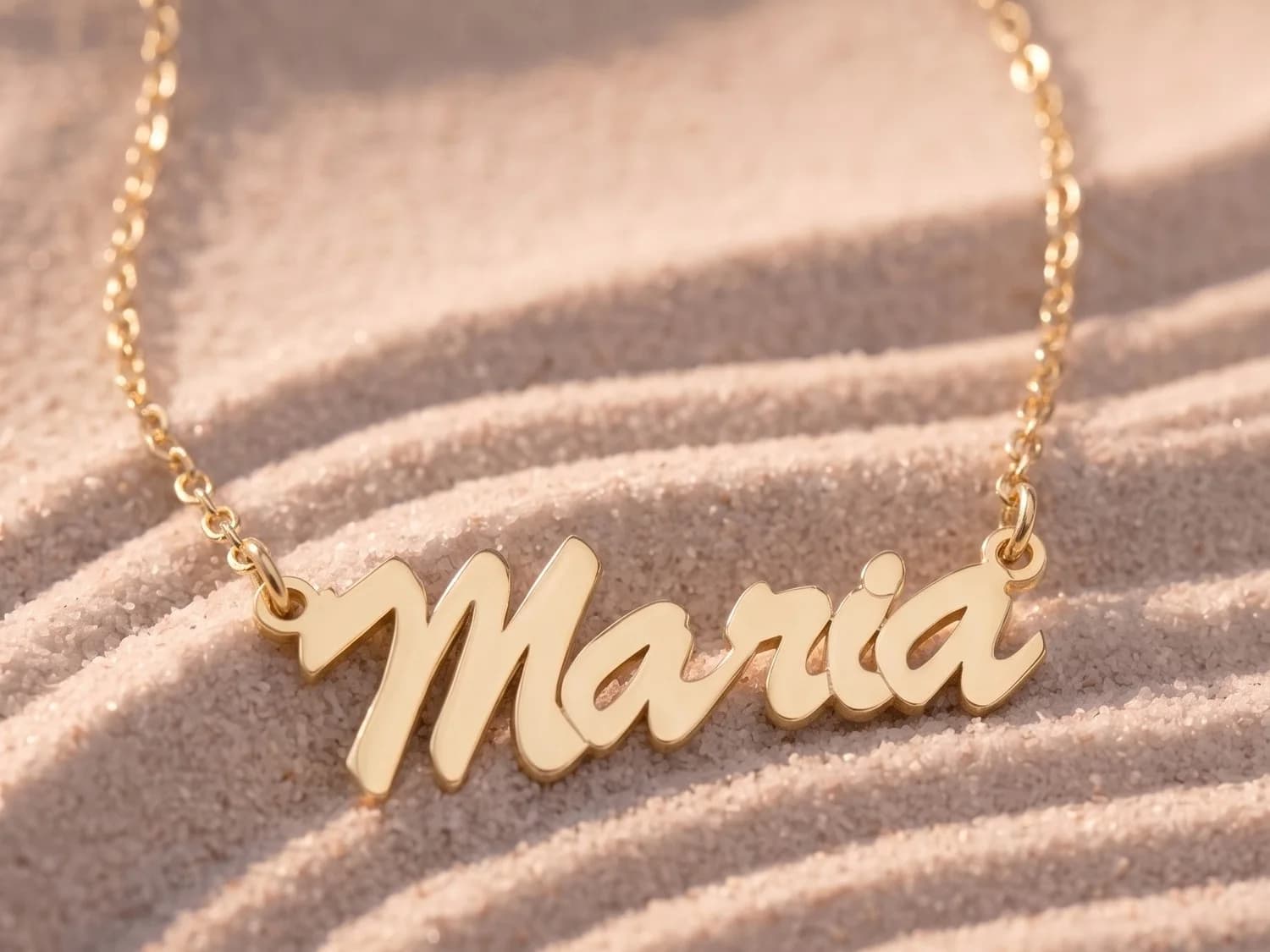
Made for your niche
Minimal, luxury, boho. Choose the mood your buyers shop.
What the AI Studio makes
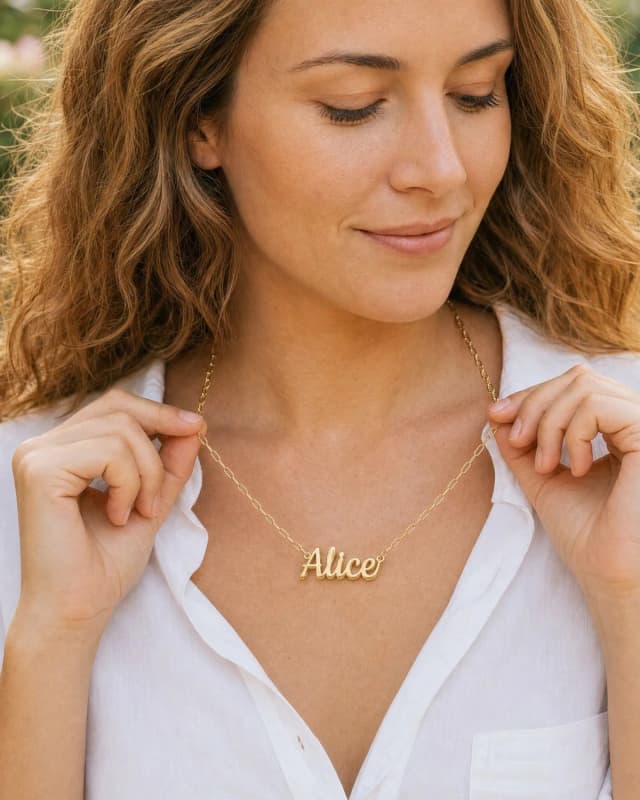
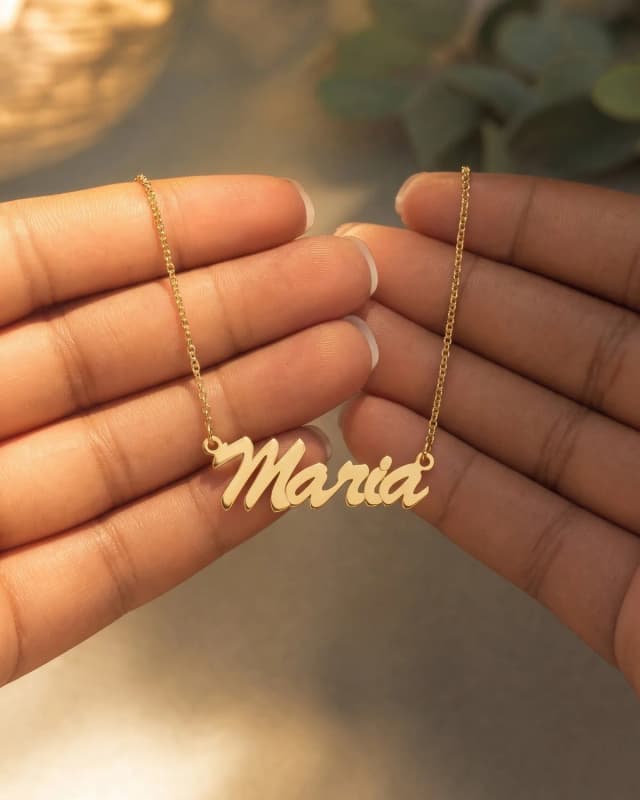
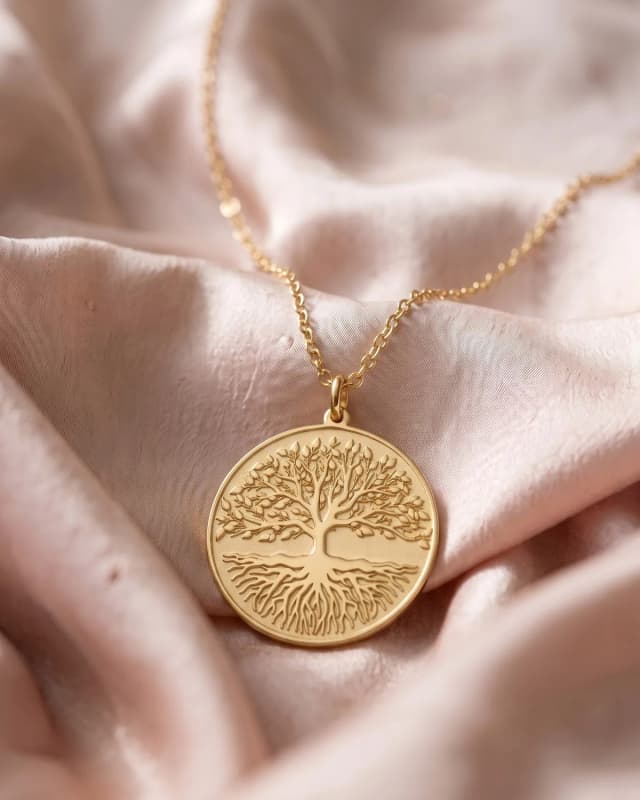
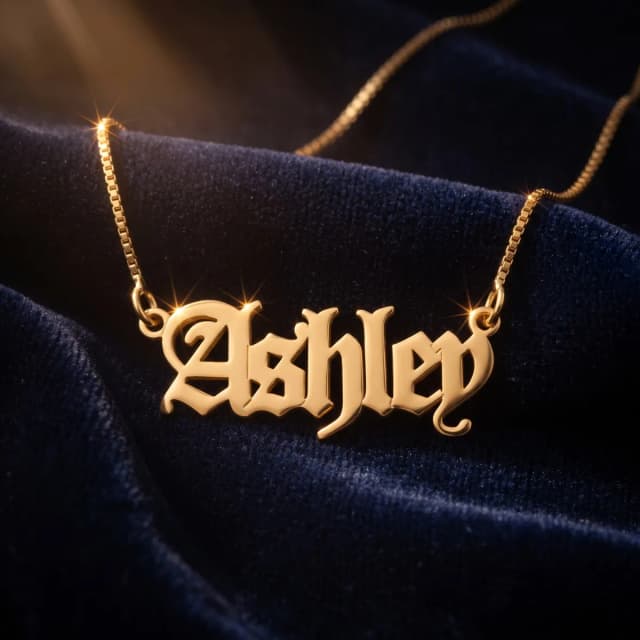
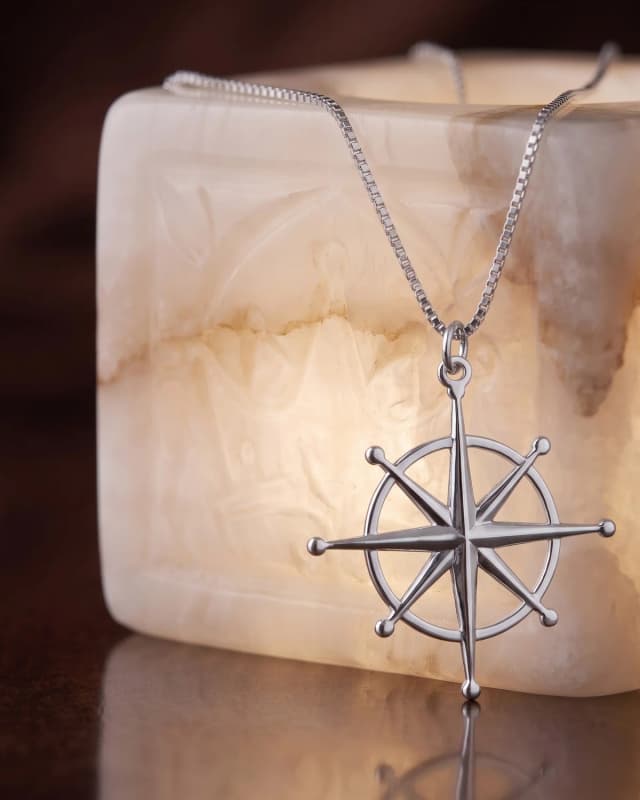
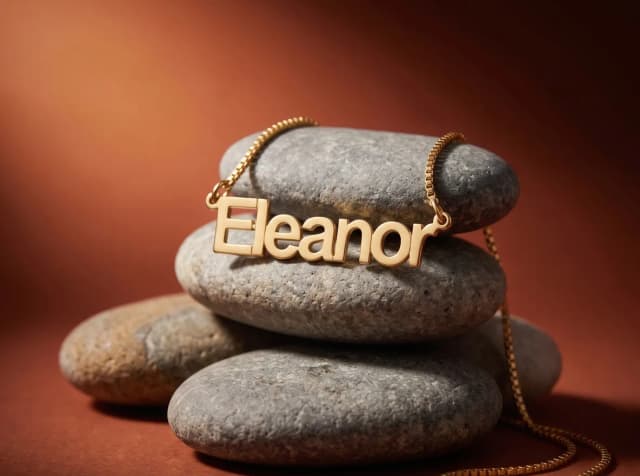
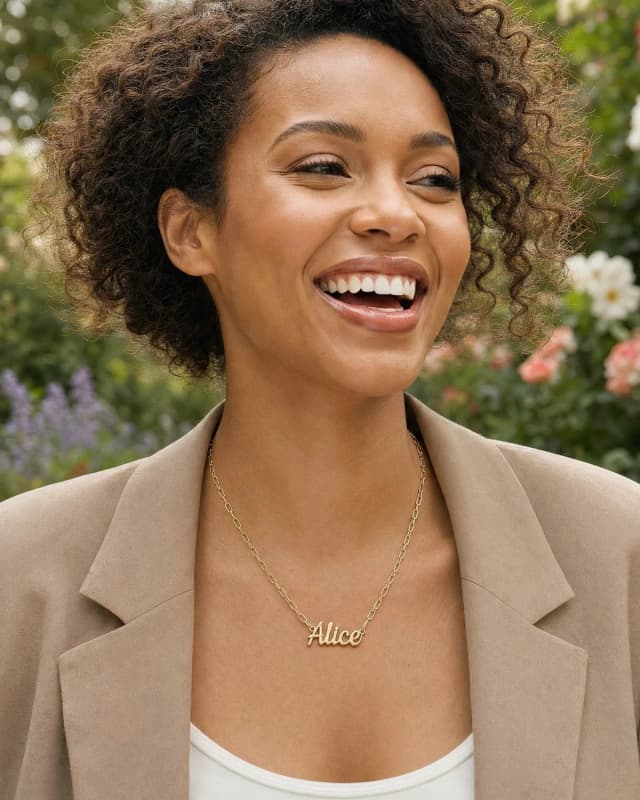
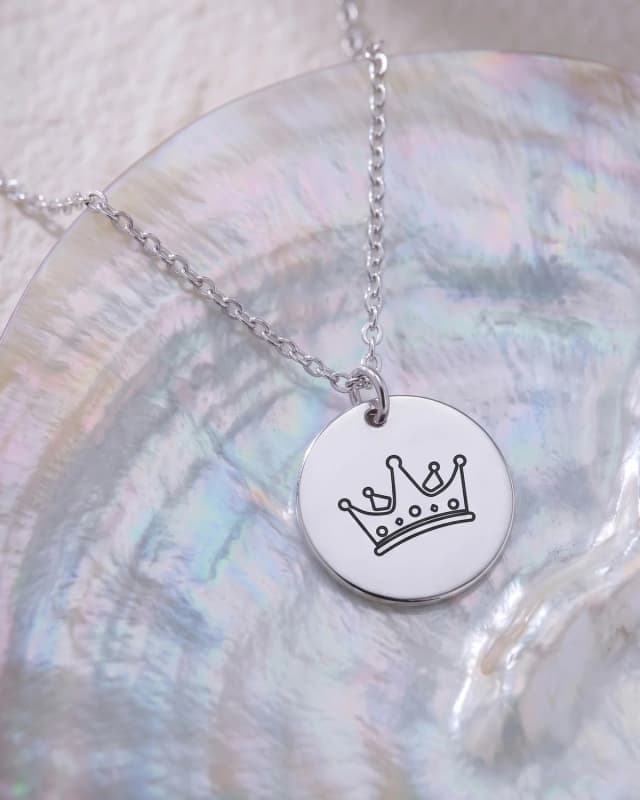
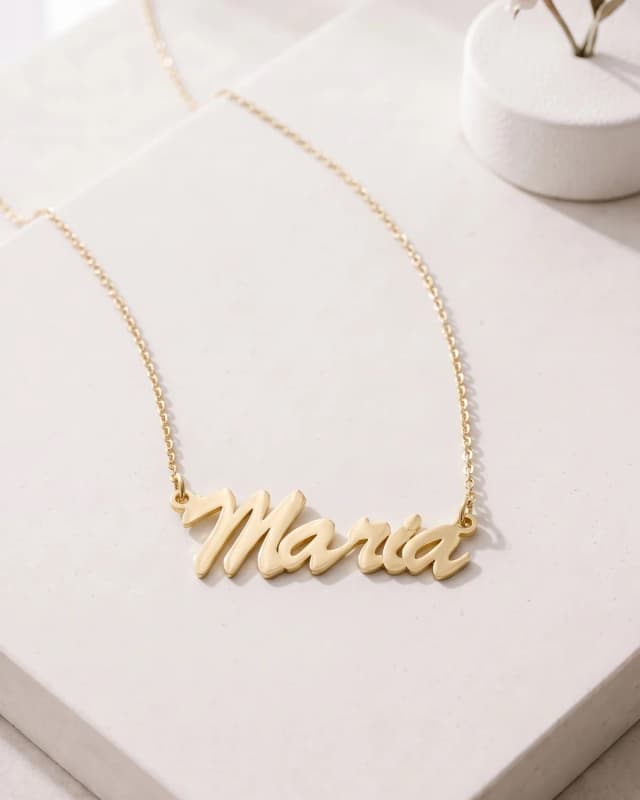
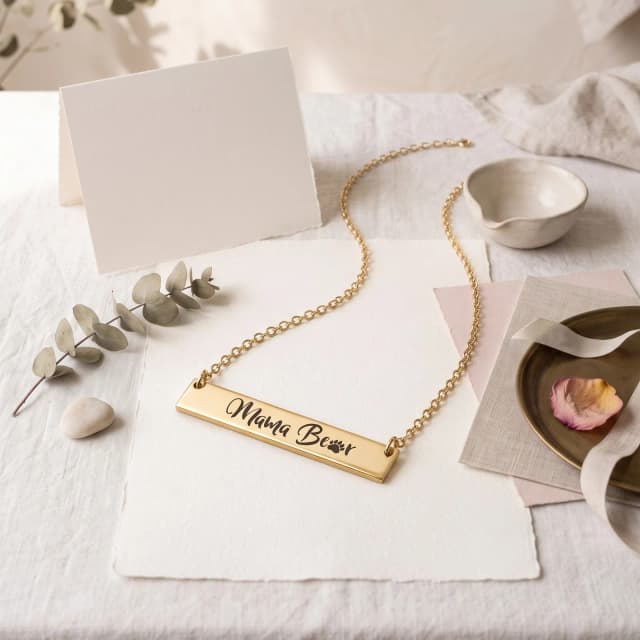
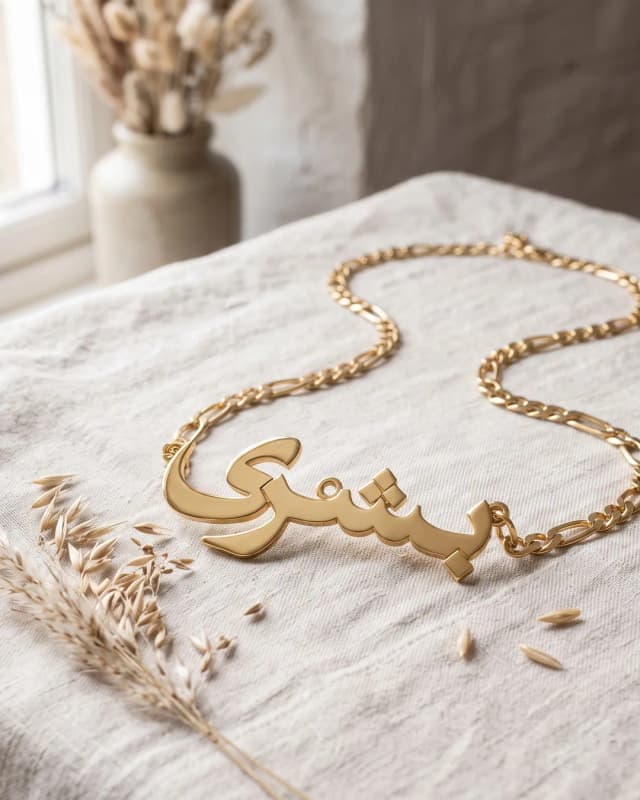
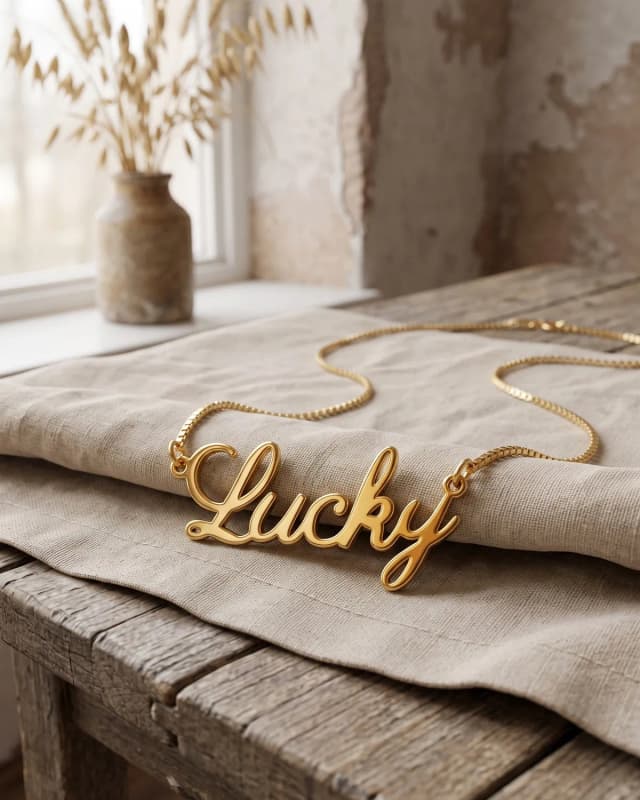
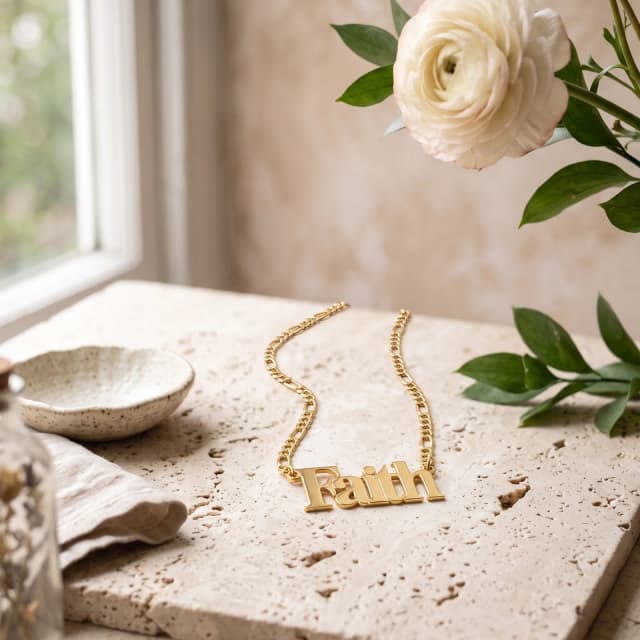
Every picture here came out of the AI Studio, made from a piece in our catalog. Styled scenes, in a hand, on a model.
Questions about the AI Studio
What is AI product photography?
Product images generated from a real piece instead of shot with a camera. Your piece in a scene, made to your direction.
How is the AI Studio paid for?
With tokens, the one part you pay for up front. Your first 100 are free when you sign up. After that, buy a prepaid pack in your dashboard: the bigger the pack, the bigger the bonus, and one balance covers every store on your account. Accounts connected through Shopify pay for tokens on their Shopify bill.
Can I use my own scene or model?
Yes. Upload or describe a scene and the AI Studio follows its look. Upload a photo of a person and the AI Studio puts your piece on them.
Where do the images go?
Into My photos and the product's gallery in your account. From there they publish to Shopify with the piece and download in the Etsy Listing Kit.
What if I don't like the result?
Say what to change. The AI Studio reshoots it and keeps everything else.
Shoot your first piece
Open the AI Studio from any product in your account and place it in a scene that looks like your brand.
Start your brand free- 100 free AI Studio tokens
- No photographer, no shoot
- Your piece, in your finish