Key takeaways
- Fixed choices (chain length, metal, font) belong in variations or options; free text (names, dates) belongs in a personalization field. Mixing the two is where most listing mistakes start.
- On Etsy, make personalization required whenever production can’t start without it. Buyers can’t check out without filling it in, which kills most order-delay ping-pong.
- Shopify has no native free-text input. Plan on an options or personalizer app (or theme-level line item properties) for name fields and font pickers.
- Whatever the buyer types is what we engrave. It passes through your order into our workshop verbatim. Mirror their exact input back in your first message before production starts.
Why one mistyped name costs more than you think
Here’s the uncomfortable math of made-to-order personalized jewelry: when a buyer types “Jesica” and meant “Jessica,” nobody catches it, and the piece ships. That piece is done. We produce a remake, your customer waits roughly another 12 business days, and the refund or the redo cost lands on you, the retailer. A necklace with the wrong name has no resale value. Not even to people named Jesica, statistically speaking.
The good news is that almost every one of these mistakes is preventable at the listing level, before the buyer ever hits checkout. This guide walks through how to structure your listings so the right information arrives, in the right format, the first time. Remember the core rule of working with us: buyer personalization input passes through your order into our production form verbatim. We engrave what was typed. That makes your listing setup the only real quality gate.
Variations vs. personalization: two different jobs
Every personalized listing collects two kinds of information, and they need two different homes. Fixed choices are things the buyer picks from a list you control: chain length, metal color, which of the supported fonts. Free text is anything the buyer types themselves: a name, initials, a date, a short phrase.
Fixed choices belong in variations (Etsy) or options (Shopify), because a dropdown can’t be misspelled. Free text belongs in a personalization field, because that’s the only place it can live. The classic setup mistake is letting free text sneak into the wrong place: a “note to seller” box, a message after checkout, a DM. Anything typed outside the structured field is something you have to chase, re-key, and possibly mangle.
- Put chain length, metal color, and font in dropdowns, one decision per dropdown.
- Reserve the personalization field for text the buyer must type: the name, the date, the initials.
- Ask for one detail per field wherever the platform allows multiple fields.
- Ask buyers to put the name in a “note to seller” or order note. Half will forget.
- Offer a free-text “font” box. Fonts are a fixed list; typing “something cursive” is not an order we can produce.
- Cram name, font, and length into one field and untangle it later. You will untangle it wrong at 11pm eventually.
Etsy: set it up once, correctly
Etsy’s personalization tooling is genuinely good for this, if you use all of it, not just the toggle.
- Turn personalization onIn Shop Manager, open the listing and find the Personalization toggle under Inventory and pricing. You can also enable it in bulk across listings via Editing options.
- Write instructions that do the workEtsy gives you up to 1,024 characters of instructions shown right at the buyer’s input box. Don’t waste them on “enter personalization here.” Spell out the format with an example: “Name exactly as it should be engraved, up to 10 letters. Example: Emma. We engrave exactly what you type, so please double-check spelling.”
- Make it required when production needs itEtsy has a “Personalization is optional” checkbox. Leave it unchecked for any listing where we can’t start production without the text: the buyer then can’t check out without filling in the field. Every “optional” personalization on a name necklace is a future message thread titled “just checking in about your order.”
- Use the multi-field setup if your shop has itEtsy has been rolling out a newer multi-field personalization experience: separate text boxes with per-field character limits, plus list-of-options fields. If your shop has it, use one field per detail. A name box with a real character cap beats one big box every time. If you don’t see it yet, the classic single field plus sharp instructions still does the job.
Shopify: know where native ends
Shopify’s native product model handles fixed choices well and free text not at all. You get up to 3 options per product (say: chain length, metal, font), and Shopify has raised the variant ceiling from the old 100 to 2,048 combinations, plenty for our catalog. But every one of those options is a pick-from-a-list. There is no native text input on a Shopify product page. A buyer cannot type “Emma” anywhere unless you add the capability yourself.
Two routes get you a text field. The developer route is line item properties: custom form fields added in your theme code that attach the typed text to the cart line. It works, costs nothing, and requires theme editing plus care that the property actually shows up in cart, checkout, and the order you forward to us. The practical route for most retailers is an app from the product options / product personalizer category of the Shopify App Store: these add text inputs with character limits, conditional fields, and (the killer feature for jewelry) font pickers that render a live preview in each font. We’re deliberately not naming one app as “the” pick; the category is crowded and pricing shifts. Shortlist a couple, and test that the typed text lands cleanly on the order confirmation before you go live.
Designing inputs that prevent mistakes
Wherever you sell (Etsy, Shopify or your own storefront), the same input-design principles apply. The goal is to make the correct entry the easy entry.
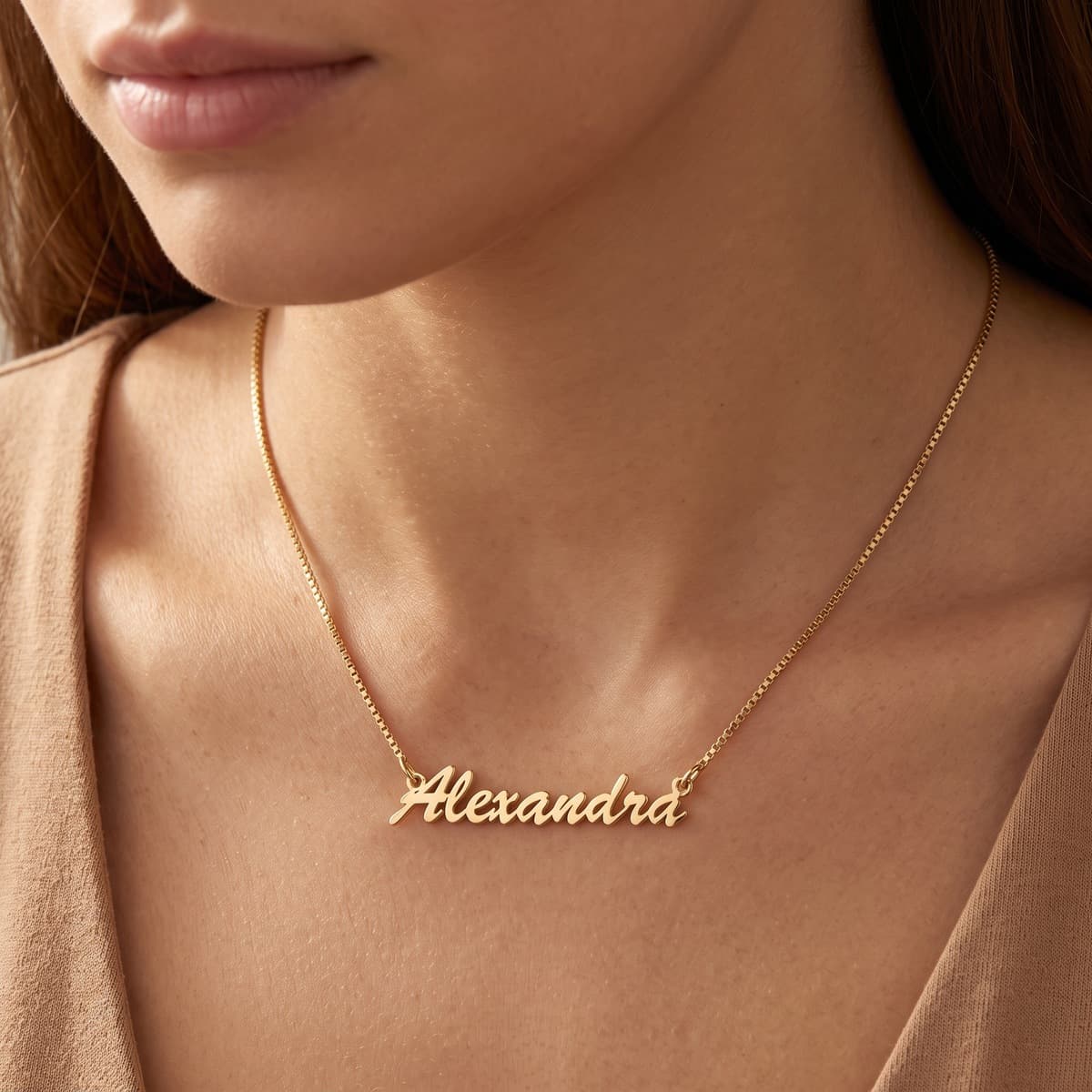
- Character limits that match physical reality. Each of our catalog design pages lists what the piece actually fits. If a nameplate maxes out at 10 characters, cap the field at 10. Don’t let a buyer order “Alexandriana” onto a bar that holds “Alex.”
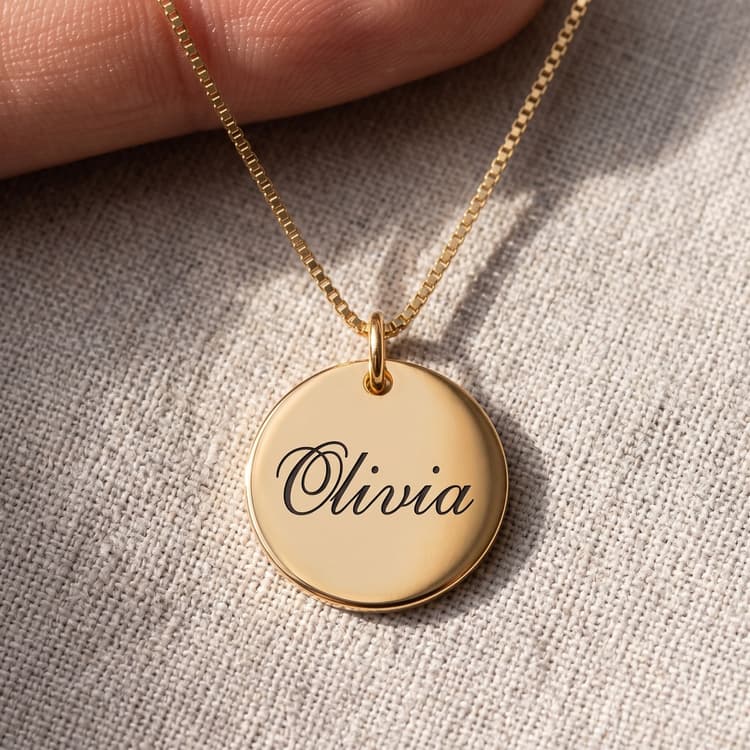
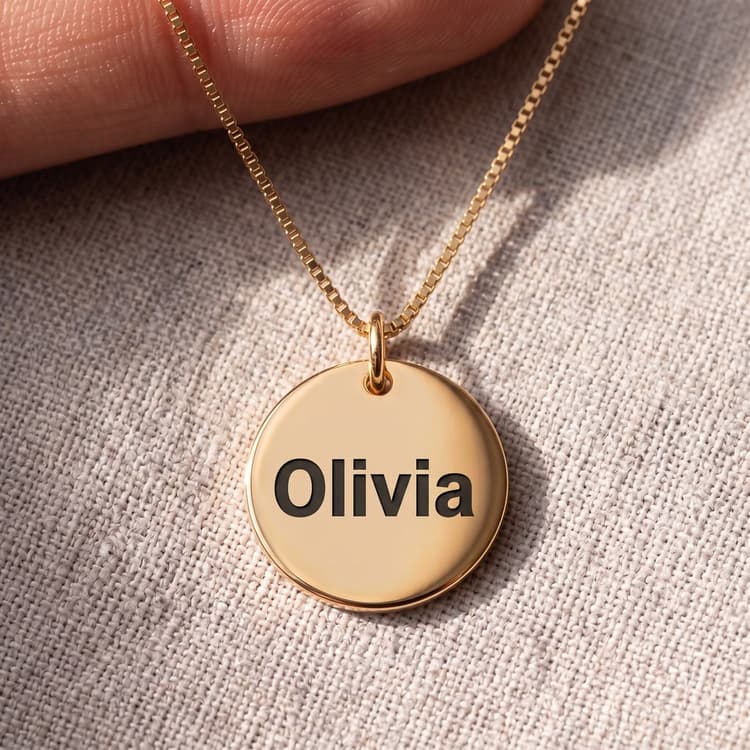
- Font pickers with real previews. A dropdown that says “Font 3” invites wrong picks. Show each supported font rendering an actual name. On Etsy, put a font chart in the listing photos and name the fonts in the variation; on Shopify, use an app that previews live.
- Examples in the placeholder and instructions. “Example: Emma” quietly teaches format better than a paragraph of rules.
- An “engraved exactly as typed” warning at the field itself. Not buried in the description, but beside the box, where the typing happens. Capitalization, accents, spacing: all reproduced as entered.
- One field per fact. Name in one box, date in another. Never “put all details here.”
The three classic errors, and the confirmation that catches them
After enough personalized orders, you learn the mistakes cluster into three families:
- Initials in the wrong orderMonogram traditions differ: some formats put the last-name initial in the middle, larger. A buyer typing “ABC” may mean Anna Beth Carter or Anna Carter Beth-style ordering. Your instructions must state the order you expect: “Enter initials in the exact order they should appear, left to right.”
- Date format ambiguity03/04/2026 is March 4th to an American and April 3rd to most of the rest of the world. For date engravings, ask for the date written out (“March 4, 2026” or “04.MAR.2026”) or state the format explicitly in the field instructions.
- Plain misspellingThe biggest family, and the sneakiest: autocorrect “fixes” unusual names, and buyers typing on phones fat-finger doubles (“Aden” / “Aiden”, “Mia” / “Miya”). No field design fully prevents this one. The confirmation message below does.
The workflow that catches all three is the same: before you forward the order to us, mirror the buyer’s exact input back to them in your first message. Not “please confirm your personalization”. Actually repeat the text, character for character, so a wrong entry has one more chance to jump out at the only person who can spot it.
Note the shape: silence means go. Requiring a reply before production stalls the majority of orders where everything was fine; a 24-hour correction window catches the rest without slowing your delivery promise.
Clean setup is also a conversion play
It’s tempting to see all this as defensive work, but a well-structured personalization flow sells better, too. A buyer staring at a vague “add personalization?” box with no example, no limit, and no font preview doesn’t feel free; they feel unsure, and unsure buyers leave. Clear fields, visible limits, and a font picker that shows their own name in each style turn hesitation into a small, satisfying moment of designing their piece. The same structure that protects you from remakes is the structure that walks a gift buyer confidently to checkout.
FAQ
Do you fix obvious typos before engraving? Surely you’d catch “Jesica”?
No, and honestly, we shouldn’t. “Jesica,” “Aleks,” and “Miya” are all real names, and a workshop that “corrects” spellings would create a worse class of mistake. Input passes to production verbatim; the spelling check has to happen on your side of the counter.
What happens if a wrong-name piece ships anyway?
If the error was in the input we received, the remake is a new production run at your cost, and your customer waits roughly another 12 business days. That’s exactly why this guide leans so hard on prevention: the confirmation message costs you thirty seconds; the remake costs you the margin on the order and sometimes the review.
Should personalization ever be optional on Etsy?
Only if the piece can genuinely be produced without the text, which for name and engraving designs it can’t. For our catalog, required is the right default: the buyer can’t complete checkout without the field, so you never start an order you can’t forward.
Can I support Hebrew, Arabic, or Chinese names?
Many of our designs are built for exactly that. It’s a Jeweliful specialty. Check the specific design’s catalog page for which scripts and fonts it supports, and make sure your field instructions tell buyers to type in the target script rather than a transliteration.
My Shopify theme supports line item properties. Do I still need an app?
Not necessarily. If you’re comfortable in theme code and you verify the text survives cart, checkout, and your order export, line item properties are a perfectly sound free route. Apps earn their fee mostly through font previews, enforced character limits, and not breaking when you switch themes.
How do I know what character limits and fonts to offer for a given design?
Don’t guess. Every design page in the catalog lists exactly which personalization fields, character counts, and fonts our workshop supports for that piece. Build each listing straight from its design page, and your fields can only collect orders we can actually produce.